
Cursive Text Generator: Turn Normal Text Into Beautiful Cursive Styles
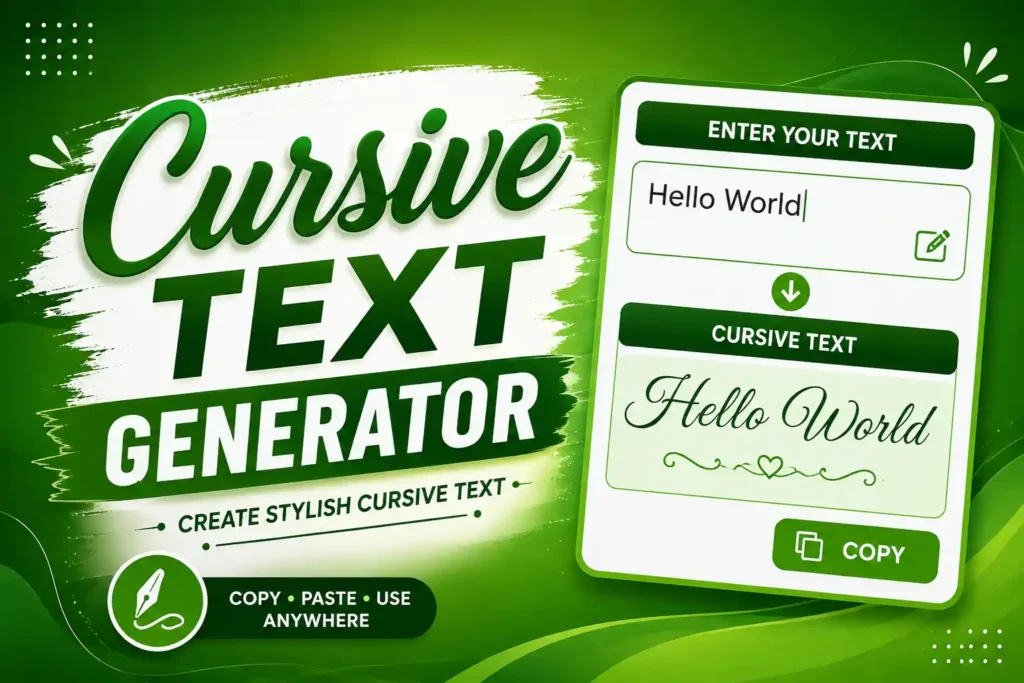
A Cursive Text Generator is a simple online tool that converts normal text into stylish cursive letters. You can use it to create attractive text for Instagram bios, social media posts, captions, usernames, profiles, comments, and other online platforms.
The best part is that you usually do not need to install any software or font. Just enter your text, choose a cursive style, and copy the generated text wherever you want.
What Is a Cursive Text Generator?
A cursive text generator changes ordinary letters into decorative Unicode characters that look similar to handwritten or cursive fonts.
For example:
Normal Text:
Hello World
Cursive Text:
𝓗𝓮𝓵𝓵𝓸 𝓦𝓸𝓻𝓵𝓭
The generated text can be copied and pasted into many apps and websites. However, the exact appearance can vary depending on the platform, browser, or device.
How to Use a Cursive Text Generator
Using a cursive text generator is very easy. You can create stylish text in just a few seconds.
- Enter your normal text in the text box.
- The tool converts your text into cursive styles.
- Check the available styles and choose your favorite one.
- Click the Copy button.
- Paste the text into Instagram, Facebook, WhatsApp, TikTok, YouTube, or another platform.
There is no need to manually type special characters.
Cursive Text Generator for Instagram
Cursive text is popular on Instagram because it can make a bio, caption, or name look different from regular text.
For example:
Normal:
Travel Lover
Cursive:
𝓣𝓻𝓪𝓿𝓮𝓵 𝓛𝓸𝓿𝓮𝓻
You can use cursive text in an Instagram bio, post caption, profile description, or comment. It is a good way to add a little personal style without using an image.
Cursive Text for Facebook and WhatsApp
You can also copy cursive text and use it on Facebook and WhatsApp. It can be useful for status updates, profile information, messages, and decorative text.
Keep in mind that some characters may not appear correctly on every device. If a particular style looks broken, try another cursive variation.
Cursive Text for Usernames and Bios
Many people use stylish text when creating usernames or writing profile bios. A cursive style can make short words and phrases look more attractive.
For example:
Dream Big → 𝓓𝓻𝓮𝓪𝓶 𝓑𝓲𝓰
Music Lover → 𝓜𝓾𝓼𝓲𝓬 𝓛𝓸𝓿𝓮𝓻
Be Yourself → 𝓑𝓮 𝓨𝓸𝓾𝓻𝓼𝓮𝓵𝓯
Short text generally works best because it remains easy to read.
Is Cursive Text the Same as a Cursive Font?
Not exactly.
A traditional cursive font changes the appearance of text through a font file or CSS styling. A cursive text generator commonly uses Unicode characters that resemble different writing styles.
This means generated cursive text can often be copied and pasted without installing a font.
However, Unicode text is not the same as changing the actual font of a webpage or document.
Where Can You Use Cursive Text?
A cursive text generator can be useful in many places, including:
- Instagram bios and captions
- Facebook posts
- WhatsApp status
- TikTok profiles
- YouTube descriptions
- Social media usernames
- Discord profiles
- Pinterest descriptions
- Personal messages
- Online profiles
It is especially useful when you want to make a short piece of text stand out.
Benefits of Using a Cursive Text Generator
A cursive text generator can save time and make stylish text easier to create.
Easy to Use
You don’t need to know special keyboard shortcuts or Unicode codes. Enter your text and copy the result.
No Font Installation
Most Unicode-based generators work directly in your browser, so you don’t need to download a separate font.
Quick Copy and Paste
Once your text is generated, you can copy it and use it on supported websites and apps.
Multiple Styles
Many generators provide several variations, allowing you to choose a style that matches your profile or content.
Why Does Cursive Text Look Different on Different Devices?
Cursive Unicode characters are displayed using fonts available on the user’s device or platform. Because of this, the same text may look slightly different on a phone, computer, or social media application.
In some cases, a platform may not support a particular Unicode character. You might see a square box or a different-looking symbol instead.
For this reason, it is always a good idea to check your generated text after pasting it.
Read also –